
Thai shoppers don't move in straight lines. They see a post, tap a store, ask a question in the LINE app, leave, come back, and buy in the online store on mobile. If your store runs on Shopify, that journey feels connected only when Shopify and LINE share data through Shopify LINE integration.
That is why this pairing matters. Done well, it turns chat into a revenue channel, sharpens CRM, and cuts support noise. Done badly, it creates duplicate profiles, mistimed messages, and extra work for every team. The difference starts with the setup.
Thailand is one of the clearest markets for this combination. Recent 2026 market snapshots put the country above 60 million digital shoppers. LINE still reaches about 51 million people daily, which makes it part messenger, part service desk, part shopping habit.
That matters because Thai buying behavior is often conversational. People want to ask about size, shade, delivery speed, stock, and promos before they commit. A product page helps, but LINE Login and a LINE chat often close the last gap.
Shopify is strong at catalog control, pricing, checkout, order data, and automation. LINE is strong at attention, chat, broadcast, and repeat contact. When they connect, the store record can follow the customer into the place where that customer already talks to brands.
Without that connection, teams end up copying order numbers into chats, replying by hand, and losing customer data between paid media, CRM, and support. Workflow automation prevents this manual work. Meanwhile, abandoned carts sit in Shopify while the customer waits in LINE for a reminder or a fast answer.
Brands already investing in social content for Thai brands often spot this quickly. Social content starts demand, but LINE carries the last mile.
In Thailand, Shopify often runs the transaction, while LINE carries the conversation.
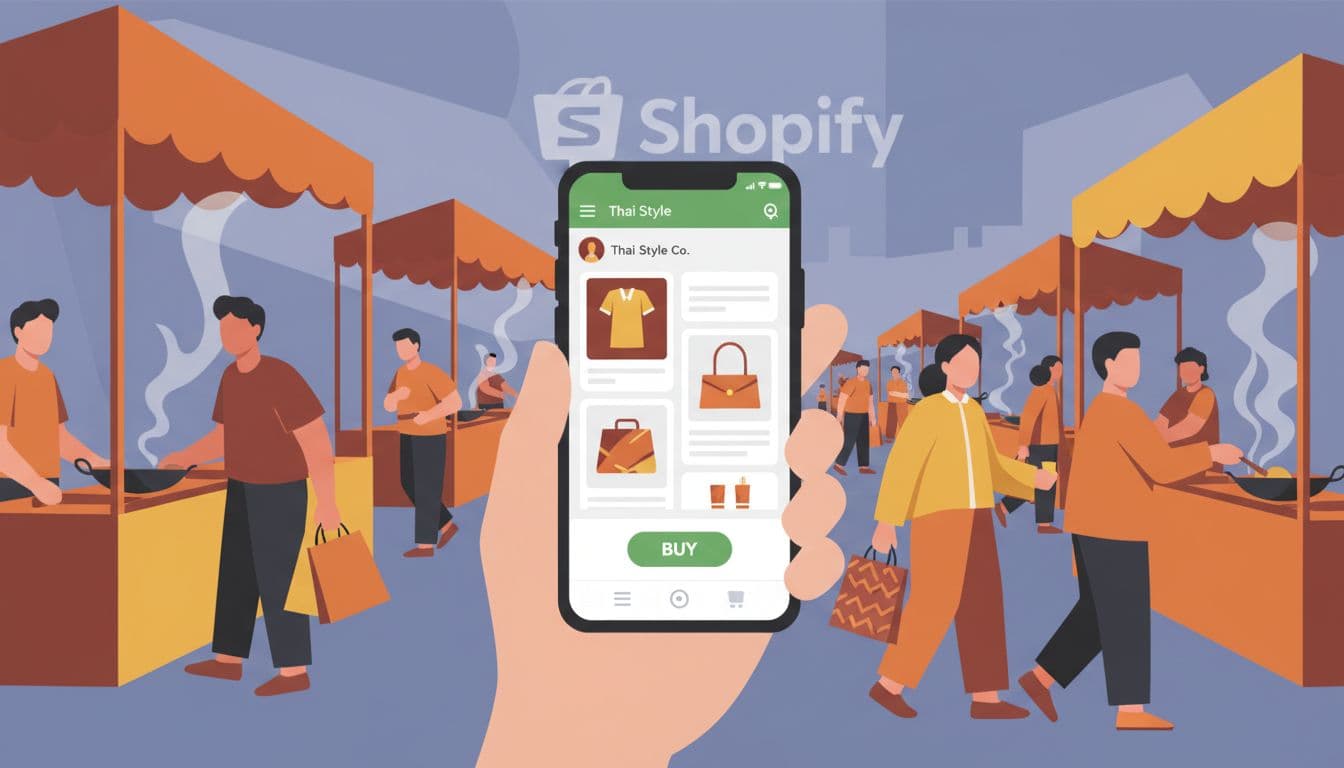
Most brands do not need a large custom build on day one. A practical Shopify LINE integration starts with a LINE Official Account, a clear consent flow, and event triggers from Shopify.
The LINE Official Account is the brand's main door. It handles chat, broadcasts, coupons, and rich menus. Those rich menus matter more than many teams expect. They give shoppers one-tap paths to shop by category, track an order, ask for help, or claim a reward. Configure it in the LINE Developers Console by setting your channel ID, channel secret, and callback URL for OAuth2.0.
Next comes identity. LINE Login, a powerful social login option, links a LINE user with a store account, which makes service and segmentation much better. Manage these connections in Shopify Admin using app embeds. LIFF, LINE's in-app web layer, lets you open mini experiences inside LINE, such as a member page, order lookup, or loyalty wallet. You do not need LIFF for every store, but it helps when you want fewer clicks and stronger retention.
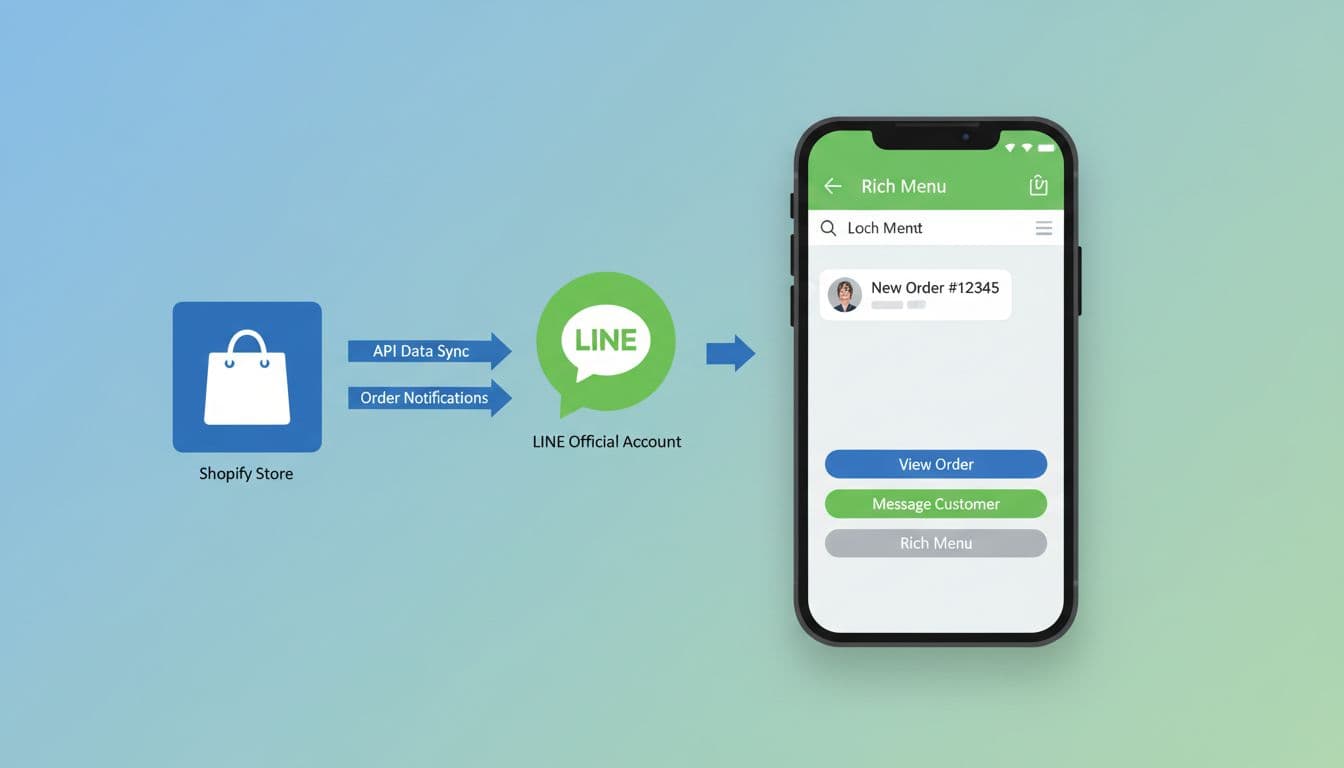
Messaging is where the value becomes visible. Shopify events such as checkout started, order paid, item shipped, or product back in stock can trigger LINE messages through apps or APIs using triggers and actions. Simple app setups serve as a no-code toolkit, like the Social PLUS app listing, which shows how customer tags, rich menus, abandoned checkout messages, and Shopify Flow can work together. It also notes that some LINE Login features may depend on Shopify Plus.
When off-the-shelf logic runs out, API-based workflows fill the gap. Teams that need custom approval rules, CRM joins, or agent routing often move toward developer-led flows, such as the examples in Pipedream's LINE and Shopify workflow library.
Start smaller than your ambition. Post-purchase messages, support context, and one recovery flow usually beat a bulky launch with six half-tested automations. Also decide early who owns tags, message tone, and escalation rules, because marketing, ecommerce, and support will all touch the same channel.
The best use cases are not flashy. They solve the points where revenue leaks or service costs rise.
This is one of the quickest wins. If a shopper has opted in and their identity matches cleanly, Shopify can trigger a LINE reminder through automated workflows after cart abandonment. That message can include the product image, line items, product variant, current inventory level, and a direct path back to checkout.
For Thailand, timing matters more than pressure. A gentle reminder within a reasonable window often works better than repeated promo blasts. High-value carts may deserve a human follow-up, especially in beauty, fashion, home, and premium gifting.
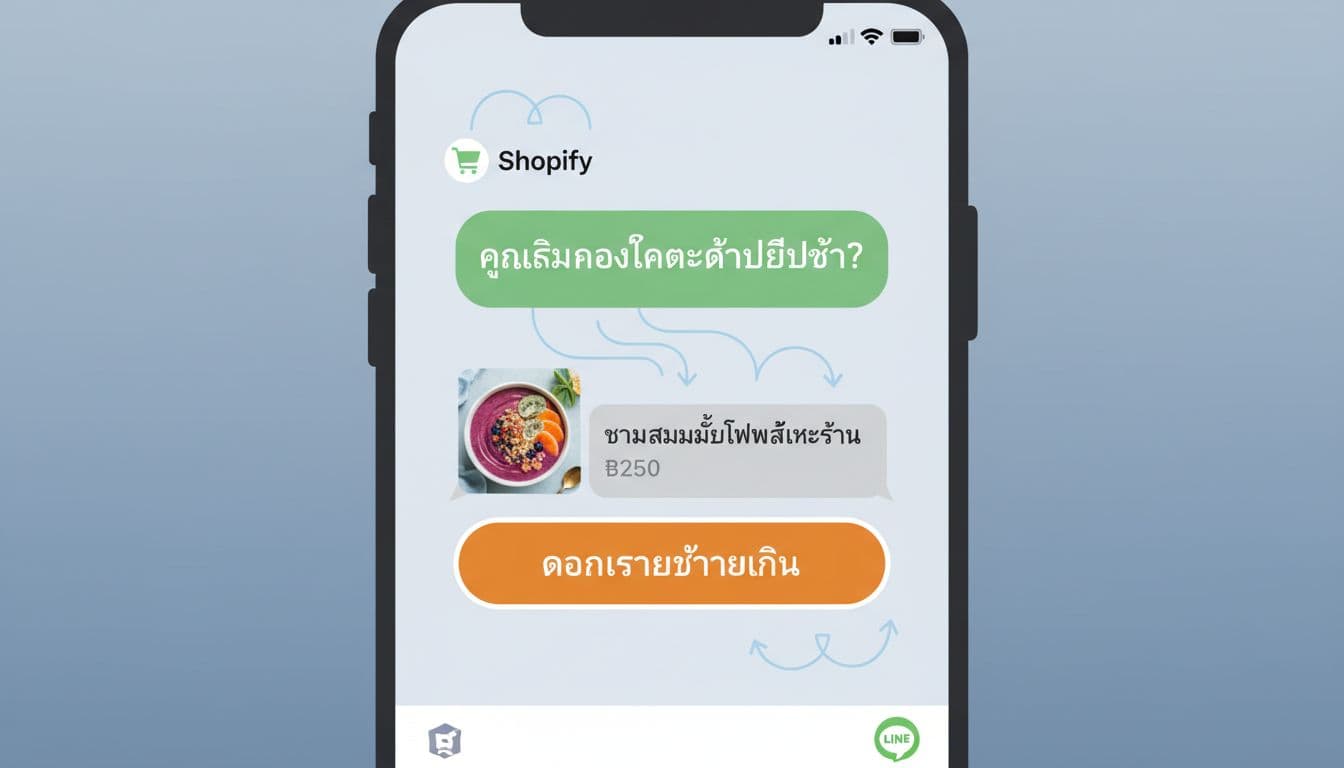
Order confirmation on order creation, shipping updates, payment status, and delivery reminders are ideal for LINE. They reduce "where is my order?" tickets and make the brand feel responsive on a channel customers already check all day.
Rich menus help here too. A buyer can tap to track an order, start a return request, or open common answers without waiting for an agent. That turns LINE into a light service layer, not only a promo channel.
Once Shopify customer tags flow into LINE, messaging gets smarter with CRM Plus capabilities. First-time buyers can get onboarding content. VIPs can get early access. Lapsed customers can receive a win-back message based on line items from last purchase date or category interest, using triggers and actions tied to order history.
Chat-assisted selling is also a strong fit for Thailand, particularly for Shopify Plus merchants. For products that need advice, an agent can answer questions in LINE while seeing order context from Shopify. Conversation tools such as SleekFlow's Shopify LINE integration show how sales and service can sit in one inbox with order-driven triggers.
Loyalty fits naturally as well. A rich menu or LIFF page can show points, tier status, rewards, or member-only drops. When loyalty lives inside LINE, customers have fewer reasons to forget it.
Most teams choose between a fast app install and a custom build. In practice, the strongest setup is often hybrid. An app handles standard messaging, while custom logic covers identity, CRM rules, and edge cases.
This quick comparison helps frame the choice:
| Approach | Best fit | What you get | Watchouts |
|---|---|---|---|
| LINE-focused Shopify app | Fast launch, lean team, common use cases | Cart recovery, post-purchase messages, basic segmentation, rich menus | Feature limits, plan costs, less control |
| Support platform or middleware | Teams that want one inbox and simple automation | Chat context, routing, order-driven replies, service visibility | Data can fragment across tools |
| Custom API build | Complex CRM, loyalty, or large-scale automation | Full control, deeper identity matching, custom LIFF flows using REST API versus GraphQL API | Higher build cost, longer setup, more maintenance |
Whichever route you pick, consent comes first. Thailand's PDPA means you need clear notice about what data you collect, why you collect it, and how LINE messaging fits into that use. Keep service updates separate from promotional consent, and give people an easy way to change preferences.
Next, protect the data model. Decide which system is the source of truth for customer tags, purchase history, and opt-in status. Match Shopify customer ID, email, phone, LINE user ID, and user credentials using LINE ID Connect carefully. Guest checkout, shared phones, and duplicate profiles can break segmentation fast.
If Shopify and LINE don't share a reliable customer ID, your targeting drifts within weeks.
Maintenance matters more than the sales pitch suggests. Apps change plans, APIs change fields, and LINE message quotas can raise costs as the audience grows. Test flows in Thai and English, watch failed webhooks, and review automated workflows after every theme, checkout, or CRM change.
One last caution is measurement. A LINE conversation may assist a sale that closes later on the store, so last-click reporting will miss part of the value. Track direct revenue, fulfillment, repeat purchase rate, reply rate, opt-in growth, and ticket reduction together.
Thai shoppers blend content, chat, and checkout in LINE, with over 51 million daily users. Integration connects Shopify's order data to LINE's conversations, enabling automated reminders, support deflection, and personalized messaging that fits this behavior. Without it, teams lose data between channels, leading to manual work and missed revenue.
Abandoned cart recovery sends timely reminders with product details and checkout links. Post-purchase updates reduce 'where is my order' queries via rich menus for tracking. CRM segmentation targets VIPs or lapsed buyers, while chat-assisted selling provides order context for agents.
Apps like Social PLUS offer fast setup for cart recovery and basic messaging, ideal for lean teams. Custom API builds handle complex CRM or loyalty but cost more in time and maintenance. Most brands succeed with a hybrid: apps for standards, custom for edges, always starting small.
Secure PDPA-compliant consent, separating service from promo opt-ins. Match customer IDs across Shopify and LINE to avoid duplicates from guest checkouts or shared phones. Test in Thai/English, monitor webhooks, and review after updates to keep data clean and flows reliable.
Track direct revenue from LINE-driven checkouts, plus indirect wins like ticket reduction and repeat purchase rates. Monitor opt-in growth, reply rates, and fulfillment efficiency. Avoid last-click limits, as LINE often assists sales that close later in Shopify.
Thai ecommerce rarely happens in neat steps. It moves through content, chat, reassurance, and checkout, often on the same screen. For 2026, a smart Shopify LINE integration paired with workflow automation stands as the strategic pillars, respecting that behavior instead of forcing customers into separate systems.
If you need a starting point, begin with the flows customers notice first: post-purchase updates, cart recovery, and support context. Then add richer identity, loyalty, and custom automation once the customer data is clean. The brands that win are rarely the ones with the most features. They are the ones with the cleanest handoff between store and conversation.


