
The browser is a weak place to keep your measurement. Ad blockers, shaky mobile sessions, or browser restrictions can punch holes in your funnel.
For Thailand ecommerce teams adopting server-side tracking Thailand, that problem is bigger because mobile drives about 80% of online sales, and the customer path often jumps between social, site, wallet, and marketplace. A smart server-side GTM setup gives you more control over what data leaves your site and what reaches GA4, Google Ads, and Meta.
gtm.brand.co.th to handle social traffic, ad blockers, and cookie issues.For teams planning server-side GTM in Thailand, the case is practical, not trendy. Thai ecommerce is phone-first, campaign-heavy, and shaped by social commerce. If a large share of traffic arrives from TikTok, Meta, creators, or live shopping, client-side GTM often misses the full story, especially with third-party cookies fading as a reliable technology.
Server-side tagging moves the handoff point. Instead of asking the browser to send everything straight to each platform, your site sends events to a tagging server on a first-party subdomain, such as gtm.brand.co.th (your custom domain). From there, you decide what gets passed on, what gets cleaned, and what gets dropped.

That control matters when shoppers pay with digital wallets, move between devices, or arrive from social posts that don't behave like classic search traffic. It also helps when brands need tighter reporting across site sales and social commerce activity. If your team already depends on social commerce support in Thailand, cleaner server-routed signals can make campaign reporting less noisy.
Data privacy also becomes easier to manage. A server container can strip unwanted parameters, limit what data goes to each platform, and hash first-party data before sending it for ad matching. Still, it doesn't replace consent choices. It only gives you a better pipe.
A strong build starts with the data layer, not the server bill. If event names are messy, server-side GTM will only ship messy data faster.
A clean flow looks like this: page_view event -> view_item -> add_to_cart -> begin_checkout -> purchase. Your web container client in gtm.js sends Google Analytics 4 events to the server endpoint. The server container receives them, applies data flow control by checking consent state, enriches the hit, and forwards the right payloads to GA4, Google Ads, and Meta.
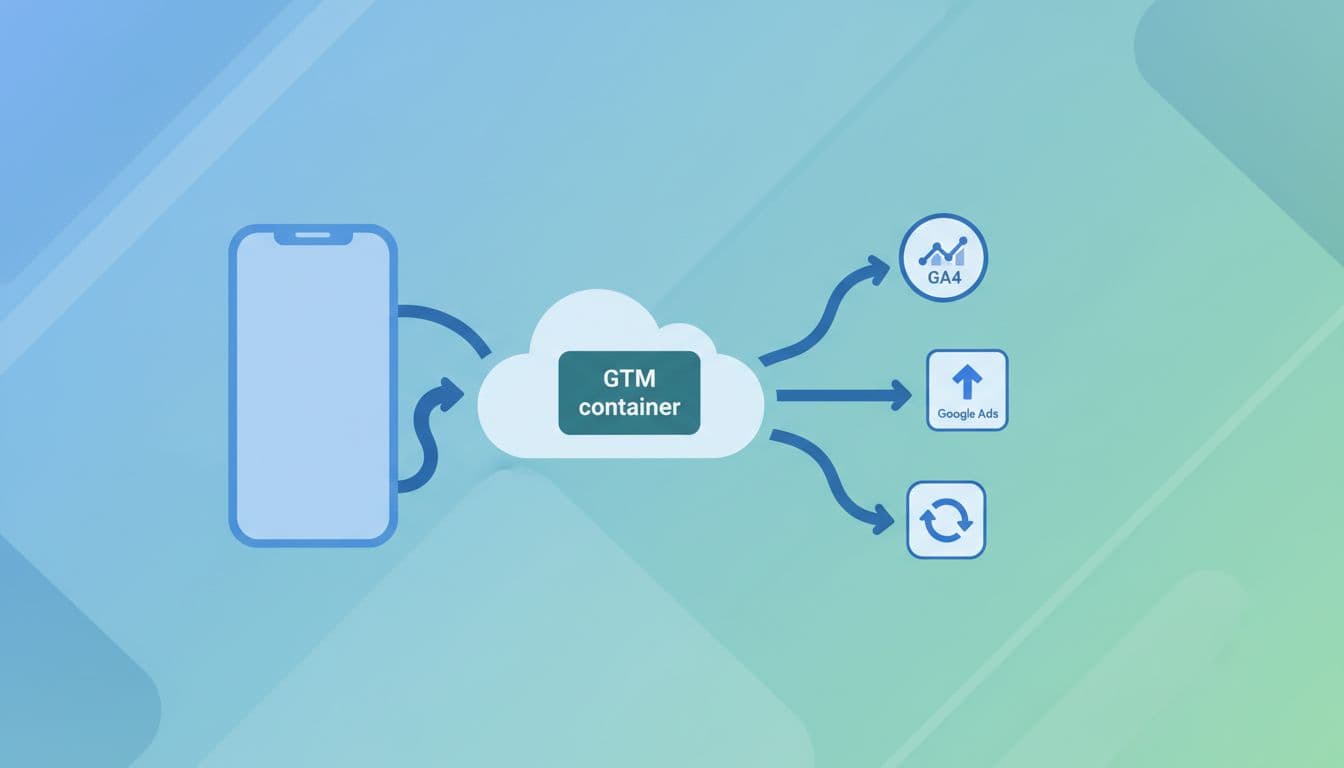
In practice, most Thailand ecommerce brands should follow these steps:
Meta's own GTM server-side Conversions API guide is the cleanest reference for GA4-to-Meta mapping. If your team wants a technical companion for hosting and tag setup, this 2026 server-side walkthrough is useful.
Server-side GTM won't fix missing purchase IDs, weak naming rules, or duplicate events. Clean the measurement plan first.
Consent management needs equal care. Set consent in the web layer, pass that state into the server flow, and suppress marketing destinations when users don't allow them. Server-side tagging gives you more control over first-party data, but it doesn't give you permission to send everything.
You are adding infrastructure, DNS, QA, and monitoring. That means more moving parts, plus more people who need to stay aligned. During major sale periods, traffic spikes can also raise hosting load and make poor setups fail at the worst time.
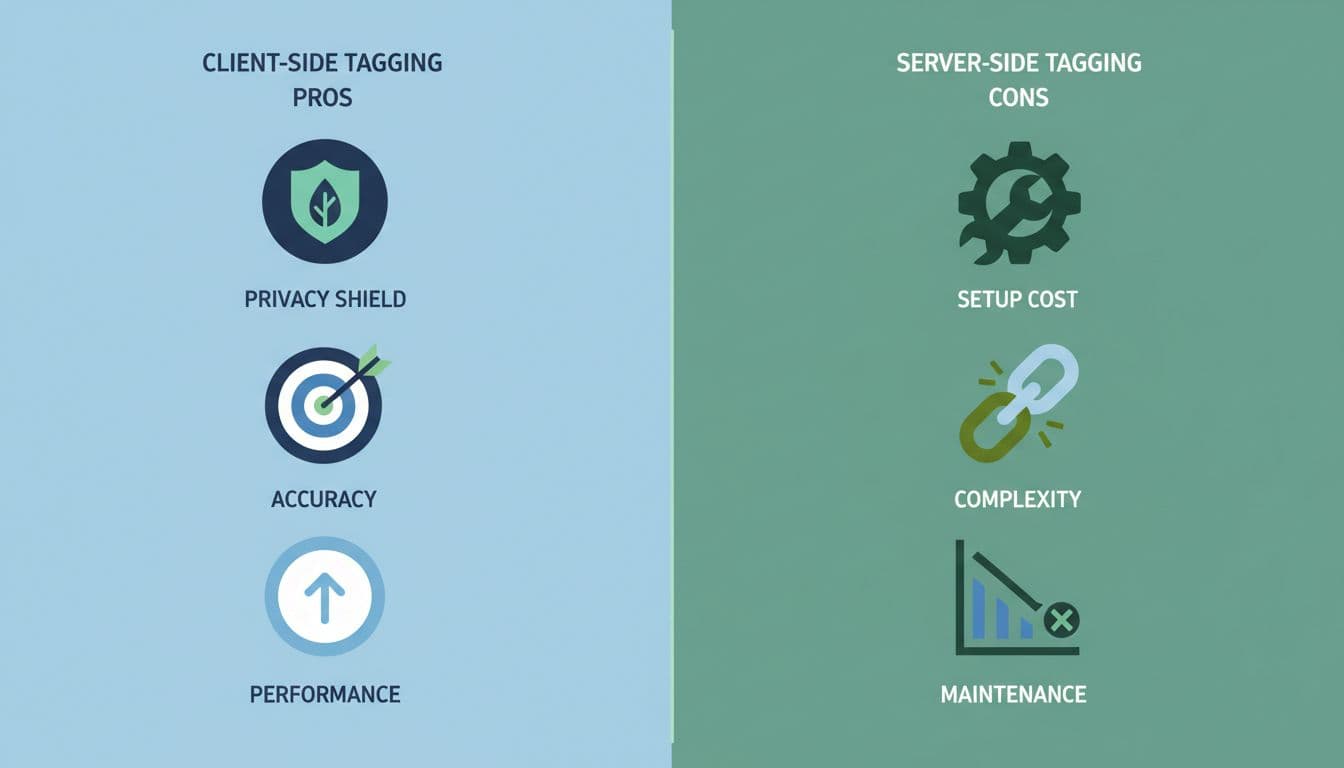
This quick comparison keeps the options clear:
Setup routeBest fitMain tradeoffWeb GTM onlySmall stores with light paid mediaLowest control over data qualityManaged server-side GTMGrowing brands that want speedOngoing cloud hosting costs on platforms like Google Cloud PlatformSelf-hosted server-side GTMBrands with engineering supportMore DevOps and maintenance with options like Google Kubernetes Engine, Docker images, or Nginx configuration
The takeaway is simple. Managed hosting on Google Cloud Platform suits most mid-market ecommerce brands, balancing speed with manageable cloud hosting costs. Self-hosting fits teams that already run technical infrastructure well, especially those comfortable scaling with Google Kubernetes Engine or custom Docker images.
Server-side GTM is worth it when paid media is a serious growth channel, customer match quality matters, and reporting gaps are hurting budget decisions. It shines through server-to-server connections and proxying third-party scripts, boosting data accuracy while supporting GDPR compliance alongside Thai privacy standards. This creates one controlled path into Google Ads enhanced conversions and Meta CAPI, particularly when your brand uses GA4 as the core event source. Another solid QA reference is this Meta server-side tracking guide for GTM.
It is overkill when monthly conversion volume is still low, the team has no clear event taxonomy, or core analytics basics are broken. In that case, fix web GTM, GA4 ecommerce events, and consent handling first. Then move server-side.
Thai ecommerce relies on mobile (80% of sales) and social channels like TikTok and Meta, where client-side tracking fails due to ad blockers and cross-device paths. Server-side GTM shifts control to a first-party server, cleaning data before sending to GA4, Ads, and Meta. It improves accuracy without replacing consent management.
Define a stable event schema with consistent IDs and parameters first. Launch a server container on a first-party subdomain, route GA4 web events to it, validate in preview, then add Google Ads and Meta destinations with hashed data. Use matching event_id for deduplication and pass consent state to suppress unauthorized sends.
Server-side adds infrastructure, DNS setup, QA, and hosting costs—managed GCP for speed, self-hosted for control with Kubernetes or Docker. It shines for growing brands with paid media but is overkill for small stores or teams without clean event taxonomy. Traffic spikes during sales need monitoring to avoid failures.
It's valuable when paid media is key, customer matching matters, and client-side gaps hurt budgets—especially with GA4 as the event source. Skip it if conversion volume is low or basics like purchase IDs are broken; fix web GTM and consent first. For Thailand, it supports social commerce reporting and privacy standards.
Set consent in the web layer, pass the state to the server container, and block marketing destinations without permission. Server-side strips unwanted parameters and hashes first-party data like email for ad platforms. It enhances control but doesn't grant sending rights—always prioritize user choices.
Browsers will keep dropping signals, and mobile-heavy shopping will keep stressing client-side tags. The smarter move is to decide which events matter, route them through a first-party server for data enrichment, and keep consent at the center.
For many Thai ecommerce brands in 2026, server-side Google Tag Manager pays off when it improves decision quality through first-party data, not when it becomes a badge of technical ambition. Clean data beats complicated data every time.


