
A cookie banner can distort your revenue reports without touching a single product page. That is what happens when user consent settings break the link between shoppers, Google Analytics 4, and Google Ads.
For ecommerce teams in Thailand, google consent mode v2, driven by global data privacy regulations, is now part of daily measurement, not a side task for legal or dev. It affects remarketing, modeled conversions, and how much trust you can place in ROAS. The setup starts with understanding what Google is asking your site to send.
Consent Mode V2 adds two new consent signals, ad_user_data and ad_personalization, alongside ad_storage and analytics_storage. These form the four primary consent signals. In plain English, Google wants to know whether it can store data, use analytics data, use user data for ads, and personalize ads.
That matters because ecommerce journeys rarely stay in one tab. A shopper might see a creator video, click a branded search ad, browse on mobile, then buy after a retargeting ad. If consent status is missing, late, or inconsistent, that path turns blurry.
While Thailand focuses on PDPA, these updates were accelerated by the Digital Markets Act and the March 2024 deadline for the European Economic Area. Thailand's PDPA is its own law, and this is general information, not legal advice. Still, many brands treat analytics and ad cookies as opt-in activities. Your banner should explain categories clearly, let people reject non-essential tracking, and keep a record of their choice for maintaining GDPR compliance for global brands. That review matters even more if checkout, CRM, or ad data moves outside Thailand. Confirm the right setup with legal counsel or your CMP provider.
Brands that pair search with social commerce strategies for Thai brands need one consent plan across storefront, landing pages, and checkout.

This choice usually comes down to two modes: Basic Consent Mode and Advanced Consent Mode.
| Mode | Before consent | Main trade-off |
|---|---|---|
| Basic Consent Mode | Blocks Google tags until the user chooses | Lower pre-consent risk, but less data and smaller remarketing pools |
| Advanced Consent Mode | Sends cookieless pings, then updates after the user's choice | Better conversion modeling, but more setup care and tighter legal review |
Advanced Consent Mode can recover more measurement, especially for Google Ads. Still, it is not a free pass. FlowConsent's 2026 guide and Consentmo's consent mode overview both explain why the mode choice should follow your policy, traffic mix, and CMP design.
Most broken setups fail before the banner even appears. The order matters. Your Consent Management Platform and consent defaults must load before the gtag.js or Google Tag Manager fires. Use Google's consent mode documentation as the source of truth for parameter names and tag behavior.
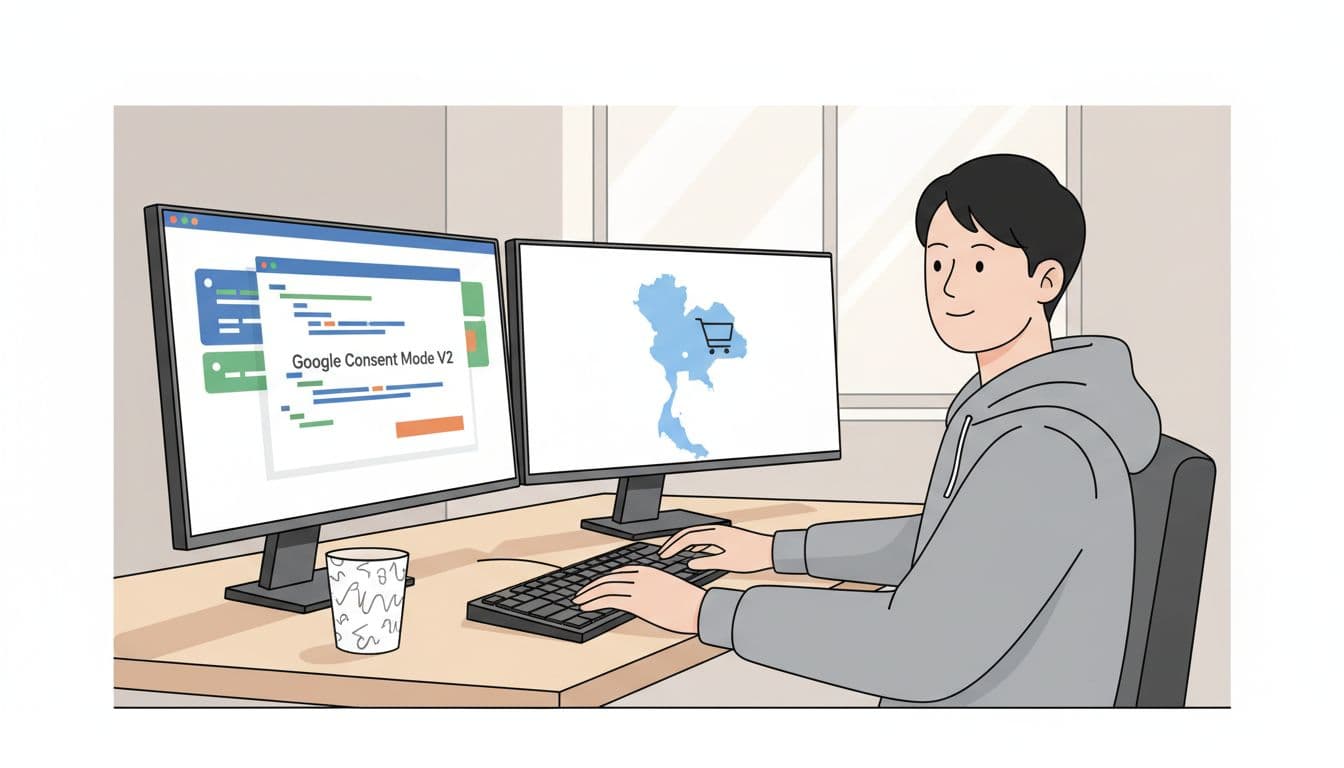
A practical rollout looks like this:
A Thai beauty brand gives a clear example. A user accepts analytics but rejects ads on the product page. GA4 can still record view_item, add_to_cart, and begin_checkout. However, Google Ads remarketing should stay off, and enhanced conversions should not send user data. If the purchase event fires on checkout without that same user consent, reported ROAS drops on paper while sales stay flat.
For a second checklist, PrivacyChecker's setup guide is useful because it calls out two common misses, loading Google too early and forgetting the V2 fields. Both break reporting in ways that are easy to miss.
Consent setups often fail in quiet ways. The banner looks fine. Orders keep coming in. Yet GA4 purchase counts fall, Google Ads audiences shrink, and the team starts blaming the channel.
Test three journeys on every release: reject all (verifying ads data redaction and URL passthrough for session integrity), accept all, and change your choice mid-session. In Tag Assistant or GTM Preview, confirm the default consent state fires first. In GA4 DebugView, check that events only send when the matching consent allows them. In Google Ads, watch tag status, audience growth, and enhanced conversion checks.
If the default consent state fires after the Google tag, the rest of the setup can look correct and still fail.
Also check the browser network tab. Calls to Google endpoints before consent often mean a theme app or plugin is bypassing GTM.

The most common problems are easy to spot once you know where to look:
Reporting will still change, even when the setup is correct. Basic mode usually means less observed data. Advanced mode can recover some loss through behavioral modeling and conversion modeling. Google Analytics 4 and Google Ads will not match line for line because attribution and modeling differ. For example, a shopper may appear in GA4 revenue but never enter a remarketing audience after rejecting ad consent. Judge the google consent mode v2 setup by trend quality, consent logs, and clean tag behavior, not perfect parity.
If your store also sells into the EU or US, Pii's ecommerce setup notes are a good reminder that advanced mode can raise extra legal questions. Review that choice with counsel, not only with your media team.
Google consent mode v2 uses ad_storage (store ad data), analytics_storage (analytics data), ad_user_data (user data for ads), and ad_personalization (personalized ads). These signals track user choices across ecommerce journeys, preventing blurry paths from inconsistent consent. Thai brands map banner toggles to update all four for GA4 events and Google Ads remarketing.
Basic Mode blocks Google tags until consent, reducing pre-consent risk but shrinking remarketing pools. Advanced Mode sends cookieless pings first for better modeling, ideal for high-traffic sites, but demands precise setup and legal checks under PDPA. Pair with a V2-supporting CMP and review against your traffic mix and global compliance needs.
Load CMP defaults (denied for non-essentials) before gtag.js or GTM, map choices to signals, and update GTM tags for consent checks on events like purchase. Extend to checkout domains and remove hardcoded tags. Test flows to avoid pitfalls like early Google loads or missing V2 fields.
Test reject-all, accept-all, and mid-session change journeys using GTM Preview, GA4 DebugView, and browser network tab. Confirm default state fires first and events respect consents; check Google Ads tag status and audience growth. Spot issues like plugin-injected scripts or checkout consent gaps.
Yes, it can reduce observed data in Basic Mode or rely on modeling in Advanced, causing GA4-Ads mismatches. Judge success by trend quality, consent logs, and clean tag behavior, not perfect parity. Proper setup maintains trustworthy ROAS and revenue for Thai brands despite consent choices.
A clean consent setup protects more than privacy. It protects the story your data tells.
Start with order, not tools. Load consent defaults first, let tags react to the user's choice, and test the reject flow as hard as the accept flow. Prioritizing user consent in modern marketing builds trust and compliance. When google consent mode v2 is wired cleanly across product pages, checkout, and remarketing, your team can trust what Google Analytics 4 and Google Ads are saying; these remain the core tools for Thai ecommerce success when properly configured.


