
A broken product feed is silent lost revenue. Your campaigns may be live, your site may look polished, and still your products can disappear from Google because Merchant Center doesn't trust the data.
For Thai retailers and cross-border brands, google merchant center thailand setup in 2026 is less about opening an account and more about matching reality. Prices, stock, shipping times, images, and Thai-language buying paths all need to line up. Once that foundation is right, the channel starts working like a proper storefront.
Google hasn't created a separate Thailand rulebook, but local setup still matters. You should use THB for pricing, set the target language to Thai, and match shipping details to what Thai shoppers will see on the site. Google's Thai Merchant Center getting started guide is still the best place for the account basics, and Google for Retail's Merchant Center overview shows where products can appear.
The bigger shift in 2026 is data quality. From April 14, 2026, Google started adding more shipping detail at the product level, including handling_cutoff_time and minimum_order_value. On the same date, Google also began warning on images smaller than 500 x 500 pixels, with harder enforcement due by January 31, 2027. Another change arrives on June 30, 2026, when video_link becomes available as an optional feed field.
Merchant Center can now pull product data from your site more aggressively. That helps small stores. Large retail catalogs still need a controlled feed, because automation alone won't fix messy variants or weak titles.
Most setup problems start before the first product upload. A clean start saves weeks of back-and-forth later.

A feed is your shelf tag on Google. If the tag lies, the shelf goes dark.
These are the attributes that matter most for common retail catalog types:
| Catalog type | Attributes you should not miss | What often goes wrong |
|---|---|---|
| All products | id, title, description, link, image_link, availability, price, condition | Price or stock doesn't match the landing page |
| Fashion | brand, color, size, gender, age_group, item_group_id | Variants share one SKU or wrong size page |
| Beauty | brand, gtin or mpn, size or volume, ingredients-focused title | Titles make risky medical or exaggerated claims |
| Electronics | brand, gtin, mpn, condition, model details | Missing GTINs, vague titles, mixed bundle info |
The takeaway is simple: broad catalogs need broad discipline.
Fashion teams should send each size and color as its own offer, then connect them with item_group_id. Beauty brands should keep titles factual, for example "Vitamin C serum 30 ml", not claims that sound like a drug ad. Electronics catalogs need precise model data, because "wireless earbuds" is too vague to compete or to pass validation cleanly.
Large retailers should also standardize image rules. Use clean product shots, no promo badges, no text overlays, and no tiny source files. If your catalog has thousands of SKUs, set naming rules before the first bulk upload. Fixing titles one by one later is like relabeling a whole stockroom after opening day.
Most disapprovals come from mismatch, not mystery.
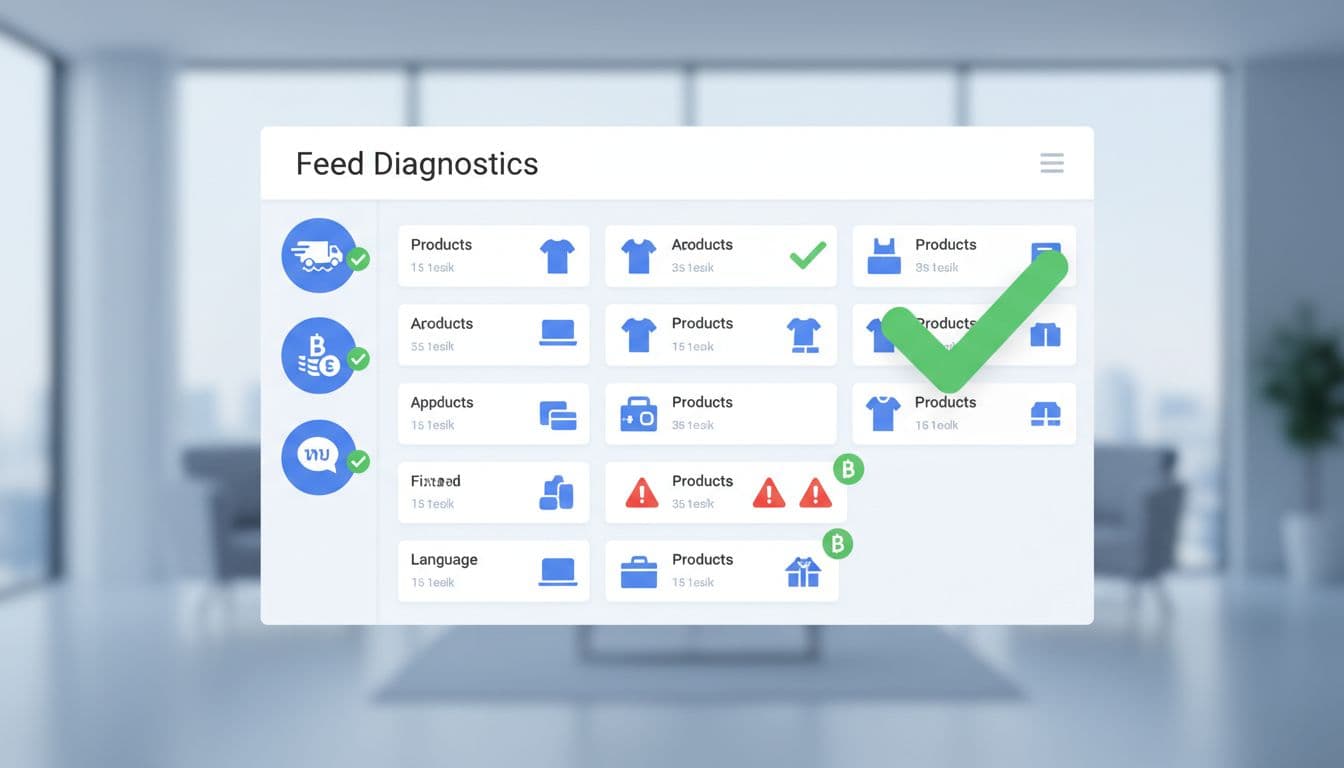
If the landing page says 1,990 THB and the feed says 1,790 THB, Google trusts the page and may disapprove the offer.
The same problem shows up with availability. A feed that says "in stock" while the product page says "sold out" will trigger trouble fast. Low-resolution images are another common issue in 2026, especially with old catalog exports. So are missing GTINs, reused IDs, and variant pages that dump every shopper onto one generic parent product page.
Local setup also matters. If you target Thai shoppers, don't send THB in the feed and land users on an English-only USD page. That gap hurts trust and can slow approval. Brands that sell through marketplaces should also review Google's marketplace guidance, because product ownership and page control affect what you can submit.
The best habit is a weekly audit. Check diagnostics, sample live URLs, and compare feed data against your site after every promo launch.
Google Merchant Center Thailand works best when your catalog behaves like a well-run store. The brands that win in 2026 aren't the ones with the biggest feeds. They're the ones with accurate data, large images, honest shipping, and variant pages that match what shoppers click.


