
A retail chain can spend heavily on media and still lose the "near me" search. One wrong closing hour, one duplicate pin, or one messy branch name can send shoppers to a rival two floors away.
For multi-branch brands, Google Business Profile Thailand work is less about setup and more about control. If you run stores across Bangkok, malls in the East, and newer branches upcountry, every profile needs local truth with central discipline.
Local visibility starts in a spreadsheet, not in Google. Each store needs its own verified profile, real address, direct phone path, and branch-level hours. If your CentralWorld branch and your Central Ladprao branch share mixed data, Google may create duplicates, swap reviews, or show the wrong details.
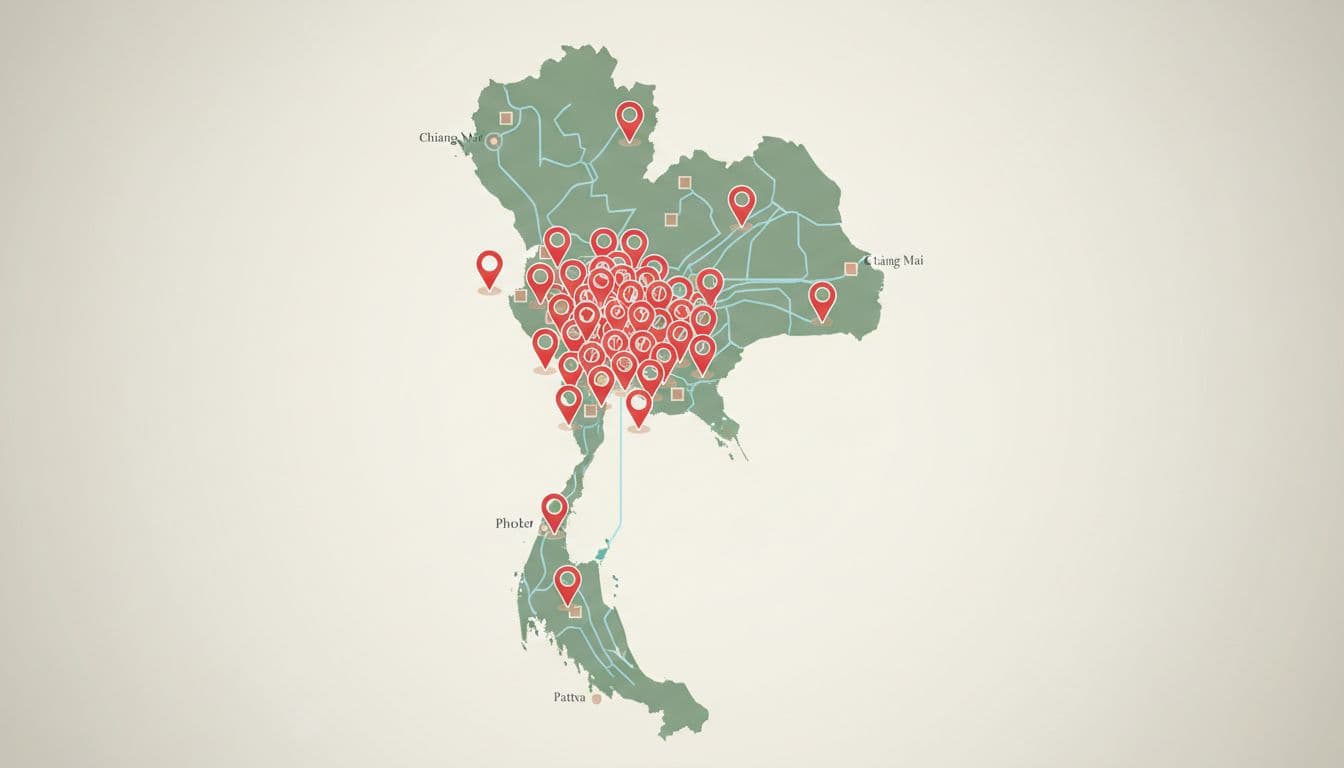
Keep NAP, name, address, and phone, identical across GBP, local landing pages, Facebook, mall directories, and other citations. This matters even more in Thailand because mall units often include floor, zone, and room numbers. If one source says "3rd Floor, Unit B325" and another says "Fl. 3 B-325," the mismatch adds noise. As of April 2026, Google still favors exact, real-world data and may flag fake spots or keyword-stuffed names.
This naming structure keeps teams aligned:
| Store type | Public profile name | Internal code |
|---|---|---|
| Bangkok mall branch | Brand CentralWorld | BKK-CW-014 |
| Regional mall branch | Brand Maya Chiang Mai | CNX-MAYA-003 |
| Standalone city branch | Brand Rama 9 | BKK-R9-008 |
The public name should stay clean and permanent. The store code belongs in your master file, reporting, permissions, and workflow, not in the live profile. That means "Brand CentralWorld" is fine, while "Brand CentralWorld ชั้น 3 โทร 02..." creates risk and looks sloppy. This Local SEO Thailand 2026 guide gives useful context on why map visibility now shapes store discovery across Thailand.
Once a brand passes 10 locations, manual editing becomes a revenue problem. One missed Songkran update can affect a whole weekend. For chains, franchises, and dealer-style retail networks, Google's location groups and bulk tools are now basic operating gear.
Group profiles by brand line, region, or ownership model. Then set roles with care. Central marketing should control core data, categories, attributes, and holiday hours, while local teams can upload branch photos and flag issues. One master record should hold Thai and English branch names, exact address format, primary and secondary categories, opening date, landing page URL, and manager contact.
Bulk management only works when the source data is clean.
For new openings, build a launch pack before the listing goes live. A branch in ICONSIAM needs the same discipline as a branch in Udon Thani. The pack should include the approved name, store code, hours, phone routing, photos, map pin check, and page URL. Then verify each profile fast and merge duplicates before customers start leaving reviews on the wrong listing.
Teams scaling from 10 stores to 50 often borrow from this multi-location GBP management guide because the challenge is process, not theory. If store launches also depend on paid and social activity, align GBP work with broader Digital Strategies for Thailand Social Commerce so local search, creator content, and opening promotions pull in the same direction.
A clean profile gets the impression. Trust gets the visit. For retail brands, that trust comes from fresh reviews, branch-level replies, accurate local pages, and photos that prove each store is active.
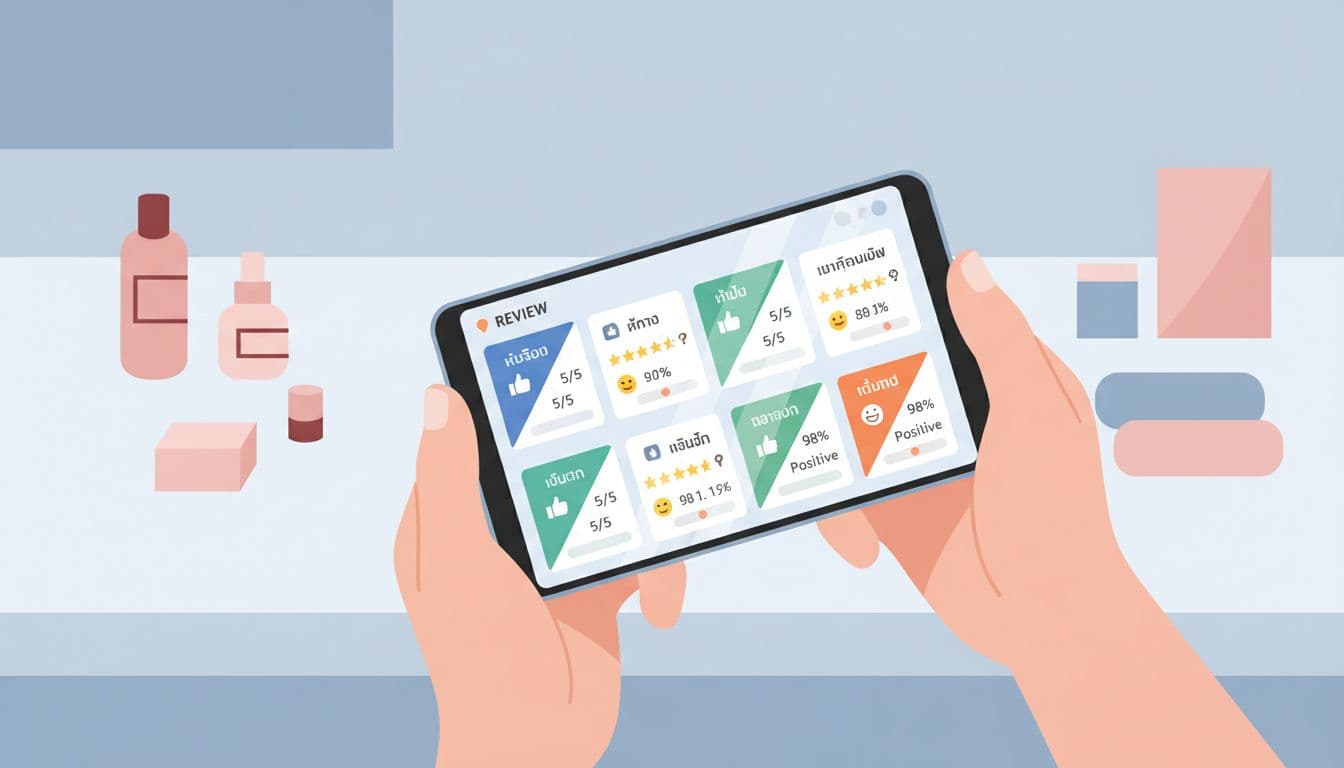
Set a review process by rating and response time. Replies to 4 and 5 star reviews can be short and warm. Anything at 3 stars or lower should reach the store manager and central brand team within 24 hours. In Thailand, bilingual responses help because Bangkok malls, resort cities, and expat areas often mix Thai and English traffic. Still, avoid copy-paste replies. Mention the branch, the issue, and the next step.
Then connect every profile to its own landing page. The page should repeat the exact NAP, current hours, map, parking notes, nearby BTS or MRT access, mall floor, services, and real photos from that branch. Add UTM tracking to the website link so your team can see which locations drive calls, direction requests, and site visits. Ask for reviews after purchase, after loyalty sign-up, or through printed receipts, but never filter requests by sentiment.
If every branch sounds the same, shoppers trust the brand less, and Google has less local proof to work with.
A multi-location local SEO strategy guide echoes what strong retail teams already see on the ground: complete profiles, recent reviews, and unique location content help branches appear more often in map results. A flagship store in Siam shouldn't read like a Phuket branch with the nouns swapped.
The map result is often the first storefront a Thai shopper sees. For multi-location brands, winning that moment comes from clean data, tight governance, and pages that match the real branch.
When naming stays disciplined, NAP stays exact, and reviews get local replies, Google Business Profile Thailand stops being a housekeeping task. It becomes a reliable part of retail growth.


