
A revenue chart can look healthy while your tracking quietly breaks underneath it. One missing transaction_id, one payment redirect, or one untagged LINE campaign can turn GA4 ecommerce tracking into guesswork.
That risk is common in Thailand, where brands often mix Shopify or custom stores, LINE OA traffic, Meta ads, local payment methods, and marketplace-led demand. If your data doesn't follow that journey, budgets drift and teams argue over bad numbers.
The fix starts before Tag Manager. It starts with a measurement plan.
Many teams open GTM first. That's like building shelves before measuring the wall. You need a clear map of what the business wants to learn, then you wire GA4 to answer it.
For Thai consumer brands, the useful questions are usually simple. Which products attract clicks but not carts? Which campaigns bring first-time buyers? Which payment step loses people on mobile? Which channel drives high-value orders, not only cheap traffic?
A strong setup usually follows this order:
If you run social-led commerce across LINE, TikTok, and Meta, that planning matters even more. Brands expanding with social-first strategies for the Thai market often discover that campaign naming, landing pages, and checkout flow shape reporting as much as the tags do.
Consent also belongs in the plan. In 2026, GA4 setup without consent rules is incomplete. Thailand's PDPA means you should align your banner, tag behavior, and data use with legal guidance. In practice, that means analytics and ad tags should react to consent choices, not fire blindly on page load. Consent Mode helps here, but it doesn't rescue a messy implementation.
If consent, event names, and transaction rules are unclear, GA4 won't give you one version of the truth. It will give you several half-true ones.
Write down which events fire before consent, which wait, and which can be modeled later. Then lock naming rules for campaigns, especially for LINE links. If one team uses utm_source=line and another uses LINE OA, your reports split like cracked glass.
Once the plan is stable, build the data layer first. That keeps your site logic separate from analytics logic, which makes fixes faster later.
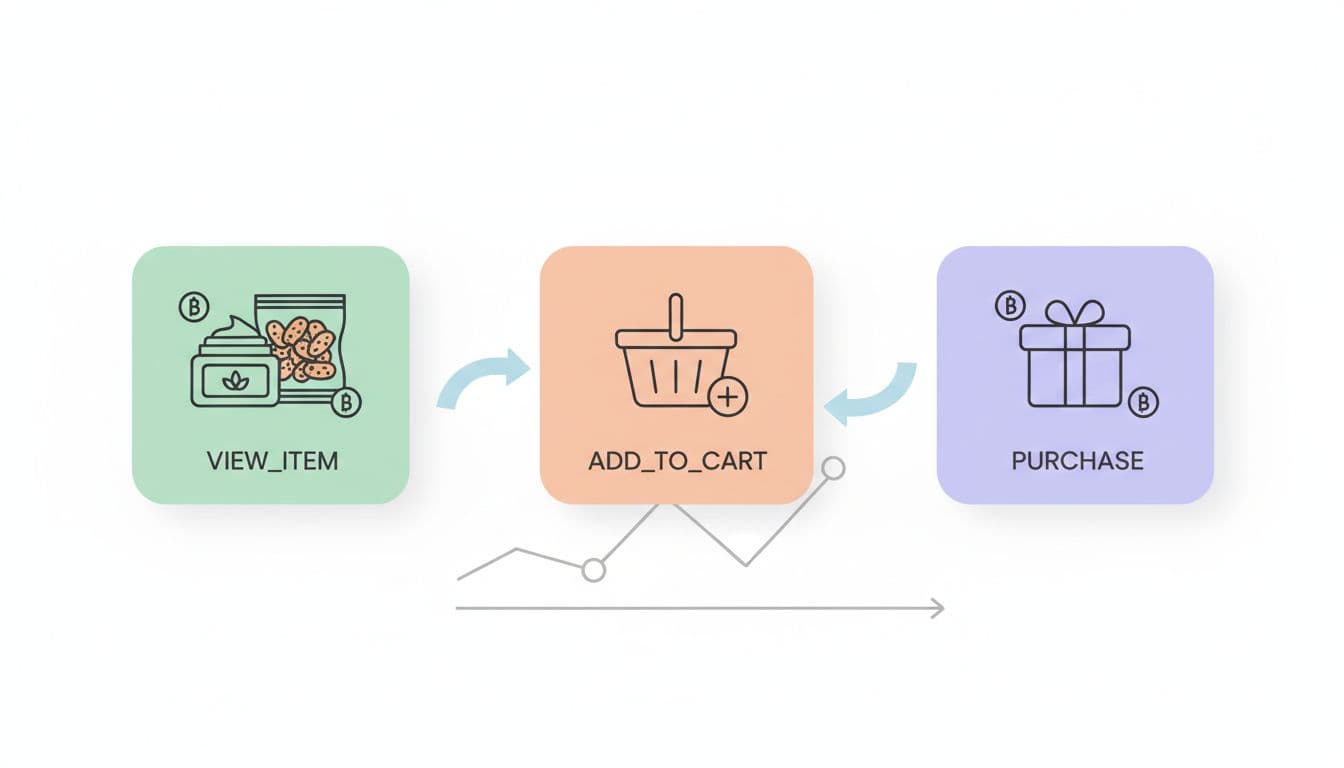
For most consumer brands, these are the events that matter most:
| Event | When it should fire | Key parameters |
|---|---|---|
view_item | Product detail page loads | currency, value, items |
add_to_cart | Cart add succeeds | currency, value, items |
begin_checkout | User enters checkout | currency, value, coupon, items |
add_shipping_info | Shipping step submitted | currency, value, shipping_tier, items |
add_payment_info | Payment option confirmed | currency, value, payment_type, items |
purchase | Order is truly completed | transaction_id, currency, value, tax, shipping, items |
The takeaway is simple: the items array is the backbone. If item data is weak, product reports become weak too.
For each item, keep item_id stable across your site, feed, and ad catalog if possible. Also pass item_name, item_brand, item_category, item_variant, price, and quantity. For a skincare brand, item_variant might be "50ml". For a snack brand, it may be "12-pack".
Thailand adds a few practical wrinkles. LINE traffic should carry clean UTMs into the site and through checkout. If the user moves through a LINE in-app browser, test that session data survives. Local payment methods need special care too. If a buyer jumps to PromptPay, mobile banking, or an off-site gateway, persist the cart and transaction_id across redirects. Then fire purchase only on the success state you trust, not on a hopeful button click.
If your team needs a schema refresher, this GA4 ecommerce setup guide via GTM is a useful reference, and this Thai-language GA4 ecommerce overview helps local teams align on terminology.
A tag that fires is not the same as a tag that works. So after implementation, move into disciplined QA.

Run test orders on desktop and mobile. Then repeat with consent accepted and declined. Also test LINE traffic, coupon use, failed payments, and repeat purchases from the same user.
Your QA pass should confirm a few non-negotiables:
purchase has a unique transaction_id.DebugView helps, but don't stop there. Compare GA4 revenue against the ecommerce platform daily during launch week. A small gap is normal. A wide gap usually points to duplicate events, missing purchases, blocked consent, or broken redirects. This guide to GA4 ecommerce setup, revenue, and attribution is useful when diagnosing reporting mismatches.
After data quality stabilizes, GA4 becomes a practical trading desk for your team. Marketing managers can compare LINE campaigns by purchase rate, not only sessions. Ecommerce managers can spot products with high view_item counts but weak add_to_cart rates, which often means pricing, imagery, or stock friction. Brand teams can review which bundles lift average order value and which landing pages attract traffic but stall at checkout.
Consent Mode adds one more layer. When users decline, GA4 may rely partly on modeled behavior. That's helpful for trend reading, but it shouldn't replace raw order data from your platform. Use GA4 to spot patterns and direction. Use backend order data to settle finance questions.
When setup is strong, no one talks about tracking during a campaign. The data shows up, the team trusts it, and decisions get faster.
That quiet confidence is the real goal. For consumer brands in Thailand, GA4 ecommerce tracking works best when the plan, data layer, consent logic, and QA process all fit the way people actually shop.


